
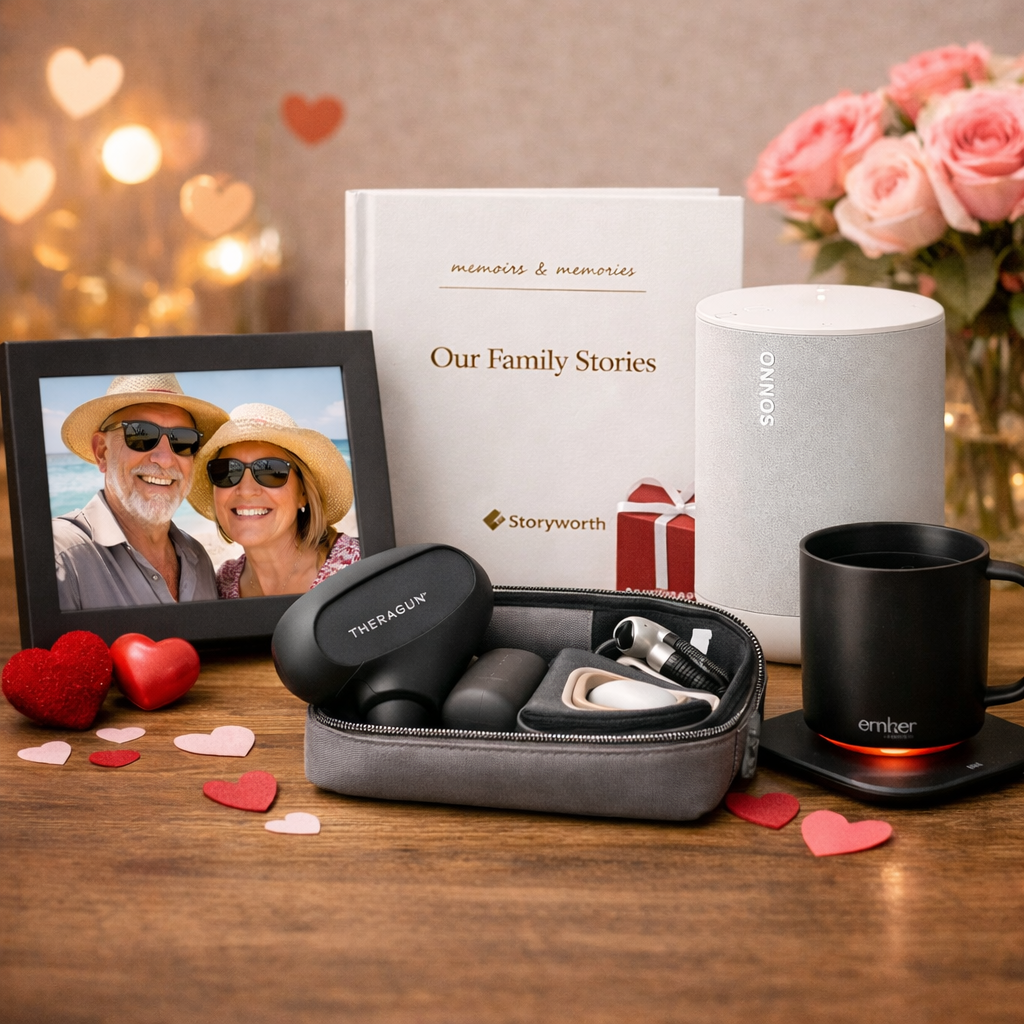
The 2026 Valentine’s Gifts That Play Beautifully With Apple ❤️
Looking for Valentine’s gifts that feel thoughtful, modern, and not straight from the Apple Store shelf? My curated picks work seamlessly with iPhone, Apple Watch, iPad, and Apple Music—while adding real design flair. I grouped them by couple style so it’s easy to find something that fits your Valentine’s personality.

Call Screening in iOS 26 has banished spam callers once and for all!
There are few more frustrating iPhone experiences than receiving a spam call. Whether it’s interrupting your work or play, it doesn’t take much for a junk call to take you out of the moment.
The problem is that they’re seemingly extremely difficult to stop, and no matter what you try, a few still seem to make it through the net. At least, that was the case before iOS 26’s Call Screening feature came along. Since I installed iOS 26, it’s stopped unwanted calls in their tracks, leaving me in spam-free bliss all day long.

Handpicked gifts for your Valentine or you…
Valentine’s Day is a great time to surprise a loved one - or yourself - with a thoughtful tech gift. I’ve rounded up some of my favorite easy-to-use gadgets that add joy, convenience, and connection to everyday life.
Hidden features of iOS 18 that you need to try…
iOS 18 isn’t just about the flashy new features, the little changes will help you in your daily life. From smarter Focus Modes to pro-level photo editing, there’s something for everyone to love.

Try something new on your Mac or mobile devices…
Every year Apple introduces new features on their latest operating systems. They are always new and innovative, but every new feature is not for every user. Here are some of my favorites from this year.

A few of my favorite tech gifts…
Every year it seems like I have a few favorite tech things that just make me happy when I use them. I thought I would share some of these companies and items with you in case you are looking for great gifts for Apple users or just something for yourself.

iOS 17 is here!
Read through my iOS 17 Pre-Update Checklist for a seamless install experience.

Try Focus mode for a peaceful digital day.
Are you tired of constantly being distracted by notifications while you're trying to work, workout, or worse being woken up by them? Before iOS 15 Apple offered us the ability to turn on Do Not Disturb mode, which was helpful but not necessarily customizable enough to use regularly throughout the day. The new Focus Mode now allows you to set which notifications you'd like to receive, from whom, and when.

Is the information on my iPhone secure?
In today’s digital world, our phones are a portal to everything that is important to us. This is where we keep our most sensitive personal information, access to our financial lives, our photos. Is protecting all this with a four- or six-digit passcode enough?